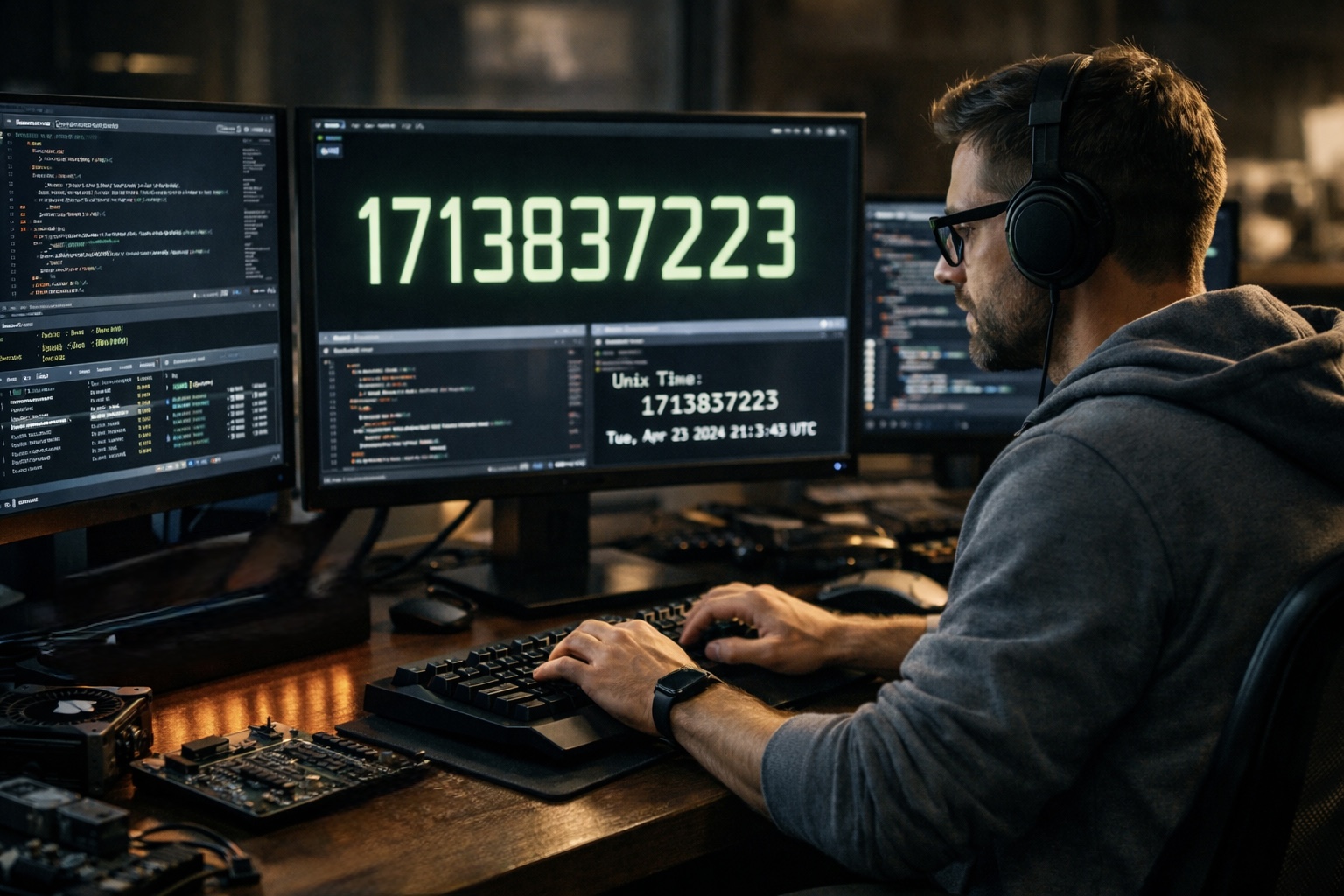
Time shapes every Linux system. It decides when logs rotate, when jobs run, and how files line up in a directory. Beneath all of that order sits a simple count of seconds. This count is known as Unix time. It feels invisible, yet it quietly keeps machines in sync across continents.
Unix timestamps reduce time to a number. No calendars. No time zones. Just seconds moving forward. That simplicity is why developers trust it. If you ever glance at live Unix time, you are watching the heartbeat of modern computing.
This article walks through how Unix time works inside Linux systems. You will see where it came from, how the kernel uses it, and why it still matters today. The tone stays practical. The focus stays human.
Quick Read
Unix time counts seconds from a shared starting point. Linux relies on it for files, processes, and network trust. Its strength is clarity, and its limits are known and managed.
A Shared Starting Point for Machines
Unix time begins at a fixed moment. That moment is January first nineteen seventy at midnight UTC. Engineers call it the epoch. Every timestamp measures seconds since that instant. Nothing more.
This choice solved a real problem. Early systems struggled with dates. Formats varied. Local time confused machines that talked to each other. A single reference point fixed that. Seconds since the epoch could travel anywhere.
Linux inherited this idea from early Unix. The kernel stores time internally as a number. Tools and libraries translate that number into something readable. Underneath, the count stays plain.
Why Seconds Won Over Calendars
Calendars are messy. Months change length. Leap years add days. Time zones shift with politics. Unix time ignores all of that. A second is always a second.
Linux systems run across the globe. A server in Berlin and one in Tokyo must agree on order. Unix timestamps make that possible. When one event has a lower number, it happened earlier. No debate.
This design also saves space. Early systems had limited memory. Storing one integer beat storing date strings. The habit stuck because it worked.
| “Unix time is not friendly at first glance, yet it is honest. Machines value honesty.” |
How Linux Stores Time Internally
Inside the Linux kernel, time lives as a counter. On many systems it uses sixty four bits. That allows an enormous range. Seconds can tick forward for billions of years.
Older systems used thirty two bits. That created a known limit. In January twenty thirty eight, that counter would overflow. This event is often called the year twenty thirty eight problem. Modern Linux avoids it by default.
The kernel updates time using hardware clocks. A quartz crystal or similar component ticks at a steady pace. The kernel counts those ticks and converts them into seconds.
Two Clocks Working Together
Linux uses two main clocks. One is the hardware clock. It keeps time even when the machine is off. The other is the system clock. It runs while the kernel runs.
At boot, Linux reads the hardware clock. It sets the system clock based on that value. From there, the system clock rules. Adjustments may occur through network time tools.
Timestamps in the File System
Every file in Linux carries timestamps. These record access, modification, and status change. Each one is stored as Unix time.
When you list files, commands translate these numbers into readable dates. The raw value remains seconds since the epoch. This makes sorting fast and reliable.
Backup tools depend on this. They compare timestamps to decide what changed. Version control systems rely on them too.
Three Common File Times
- Access time shows when a file was read.
- Modification time shows when content changed.
- Status change time shows when metadata changed.
Processes and Scheduling
Linux schedules tasks based on time. Cron jobs run at set moments. Timers fire after delays. All of this traces back to Unix timestamps.
When a process sleeps for ten seconds, the kernel calculates a future timestamp. It wakes the process when the system clock reaches that value.
This approach stays consistent even if the system adjusts its clock. Linux tracks monotonic time for intervals, while still keeping wall time for human reference.
| “For the kernel, time is math. For people, time is memory.” |
Networking and Trust
Secure connections rely on time. Certificates expire. Tokens have lifetimes. Linux checks these using Unix time.
If a system clock drifts too far, connections fail. This is why network time synchronization matters. Tools like NTP adjust the system clock gently.
Unix timestamps make these checks simple. A certificate has a start and end time. The system compares numbers. If now falls between them, trust holds.
Human Readable Time Is a Layer on Top
People do not think in seconds since nineteen seventy. Linux knows this. Libraries convert timestamps into dates and times.
Time zones enter at this stage. The raw Unix time stays the same. Only the display changes. This separation prevents confusion.
Developers can format time however they like. Logs may show local time. Databases may store raw timestamps. Choice stays flexible.
Numerical Realities of Unix Time
Numbers define the system. Understanding them helps avoid mistakes.
- One day equals eighty six thousand four hundred seconds.
- Leap seconds may be ignored or smeared.
- Negative values represent times before the epoch.
Linux handles these cases with care. Leap seconds often confuse systems. Many distributions smooth them out to avoid sudden jumps.
Common Pitfalls for Developers
Unix time feels simple, yet errors happen. Mixing local time with raw timestamps causes bugs. Assuming all days have equal length causes trouble.
Another trap is integer size. Storing timestamps in small fields risks overflow. Modern practice uses wide types to stay safe.
Testing with extreme dates helps. Simulating future times can reveal hidden issues.
| “Time bugs hide quietly. They surface when systems age.” |
Why Linux Still Leans on Unix Time
Many alternatives exist. High resolution clocks. Complex calendar systems. Linux sticks with Unix time because it works.
Its simplicity aids debugging. A timestamp in a log can be compared across machines. Engineers can trace events without guessing time zones.
This design has lasted decades. It adapts as hardware improves. The core idea remains untouched.
A Closing Reflection on Counting Seconds
Unix timestamps turn time into a shared language. Linux speaks it fluently. Every process, file, and packet depends on that steady count.
While people mark time with memories, machines mark it with numbers. Linux bridges the gap by keeping the count simple and letting humans choose how to see it.
That quiet design choice continues to shape reliable systems every day.